


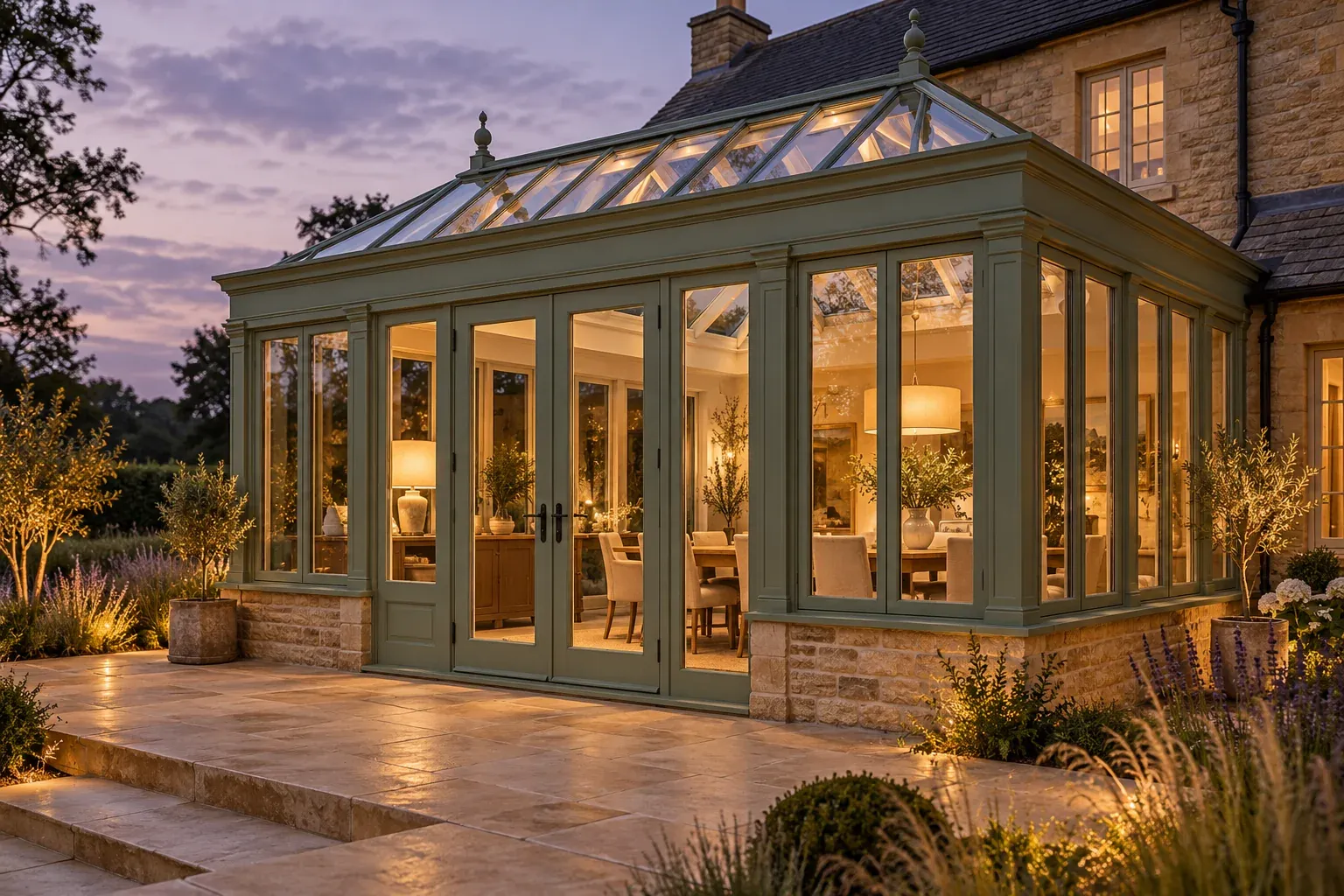
 Coming soon
What Orangery Visualiser does
- Starting looks in different timber finishes
- Adjustable width, projection and floor area
- Glass, roof and masonry choices
- Inside views, opening doors and a design reference
What you get
A specification, reference and design link for a better-informed sales conversation.
- Pick a starting lookIn different timber finishes
- Set the sizeWidth, projection and floor area
- Choose the glass, roof and masonryFrom the options in your range
- Look inside and keep the designOpen the doors, then save a design reference
How Orangery Visualiser works
An orangery is a considered purchase. Customers work through the big decisions on your website, then bring a design reference to the first conversation with your team.
Discuss Orangery VisualiserIs Orangery Visualiser right for your business?
- The big decisions made before the first visitSize, timber finish, glass, roof and masonry, chosen on your website.
- Customers can step insideThey can open the doors and see the room from the inside before they commit.
- A design reference they keepCustomers save their design and bring it to the sales conversation.
- Set up for your own rangeYour sizes, materials, options and enquiry route.
- Who it’s for
- Timber orangery and bespoke home extension businesses.
- Setup
- We set it up with your sizes, materials, rules and enquiry route.
- Good to know
- Final sizes and specifications still need confirming by your team.
Get Orangery Visualiser for your range
Tell us your sizes, materials and options, and how customers should enquire.
Scope, setup and any costs are agreed before work starts.
Related tools
All tools
Pergola Visualiser
Customers design their own pergola, from the footprint and louvres to lighting and screens, before they ask for a quote.
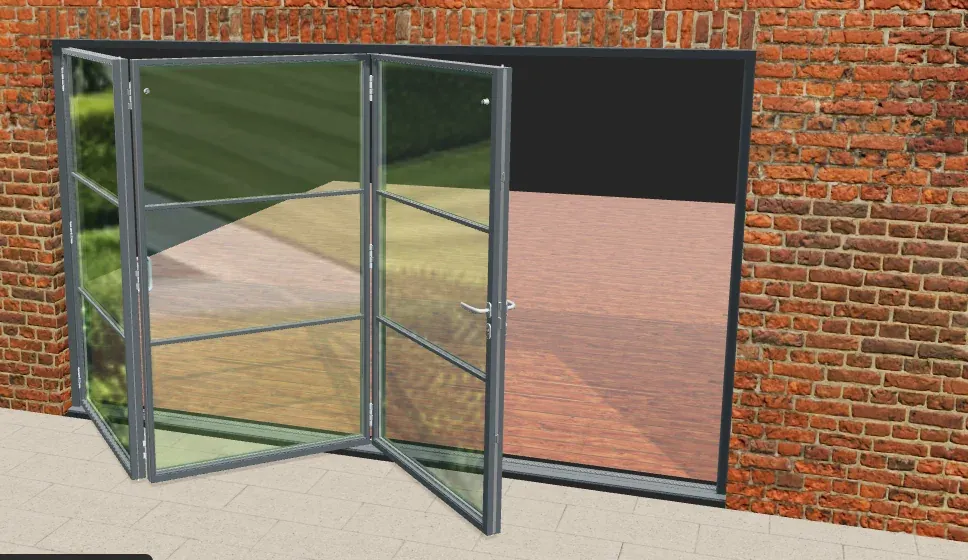
Bifold Visualiser
Customers design their bifold doors in 3D, from the system, layout and glass to colours and handles, then open them to see how they fold.
Need something built around your own products?
If none of these fit, we can design and build a tool for your business as a bespoke project, scoped and costed with you before work starts.
Where a bespoke project helps
- A product that’s hard to explain online
- Information your team types in twice
- A handover that keeps going wrong