


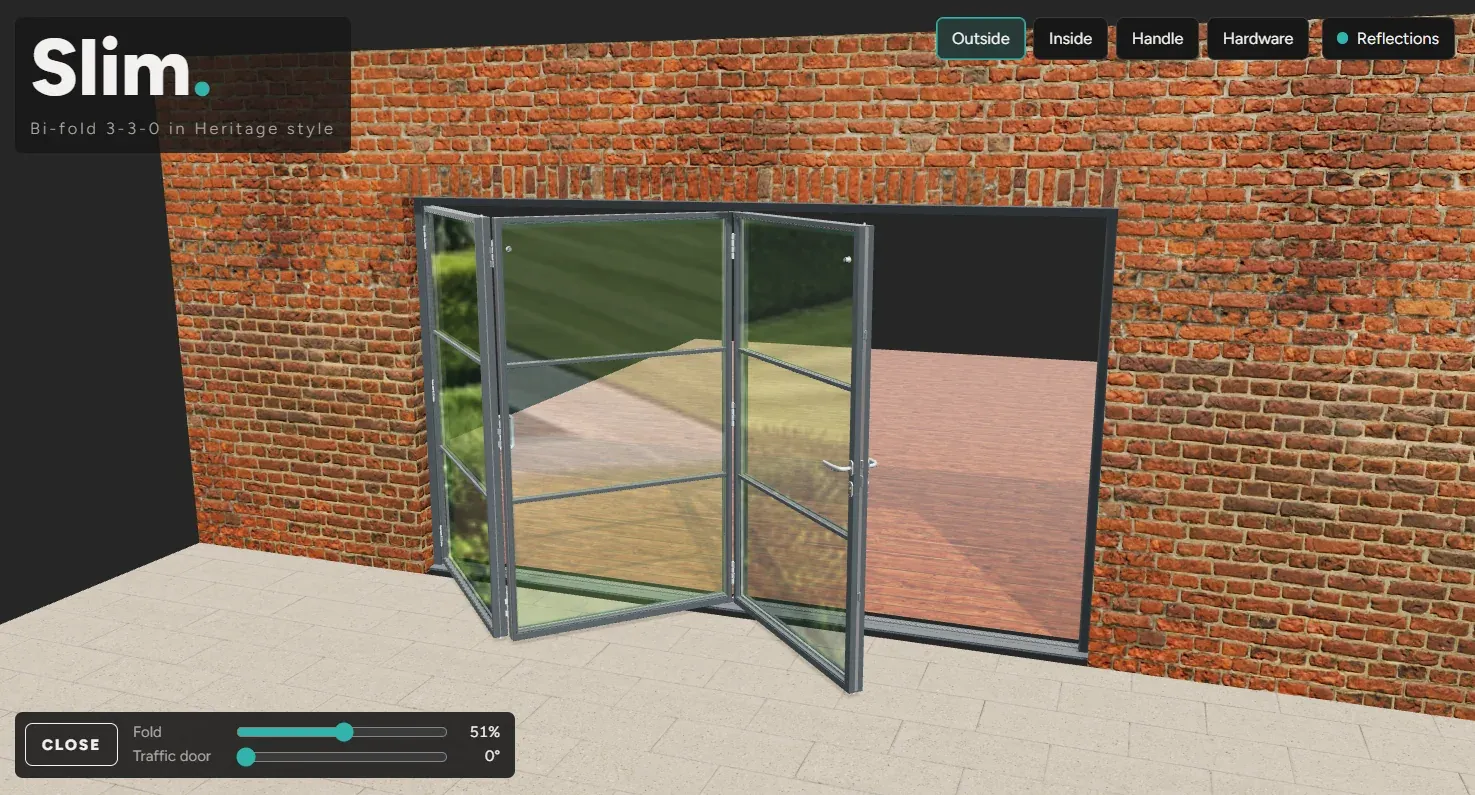
What Bifold Visualiser does
- Systems, panel layouts and sizes from your range
- Glazing styles, glass, colours and finishes, inside and out
- Handles, hinges and hardware finishes, shown up close
- Doors that fold open in 3D, with a quote request for the design
What you get
A quote request with the system, layout, size, style, glass and colour the customer has chosen.
- Choose the system and layoutHow many panels, which way they fold and the size
- Pick the style and glassGlazing bars, glass type and colours inside and out
- Choose the handlesWith one finish for every handle, hinge and D-handle
- Open it upFold the doors, swing the traffic door and request a quote
How Bifold Visualiser works
Customers work through each choice on one 3D door, in the order they’d discuss it with your sales team. When they’re happy, the quote request goes to your team with the full design attached.
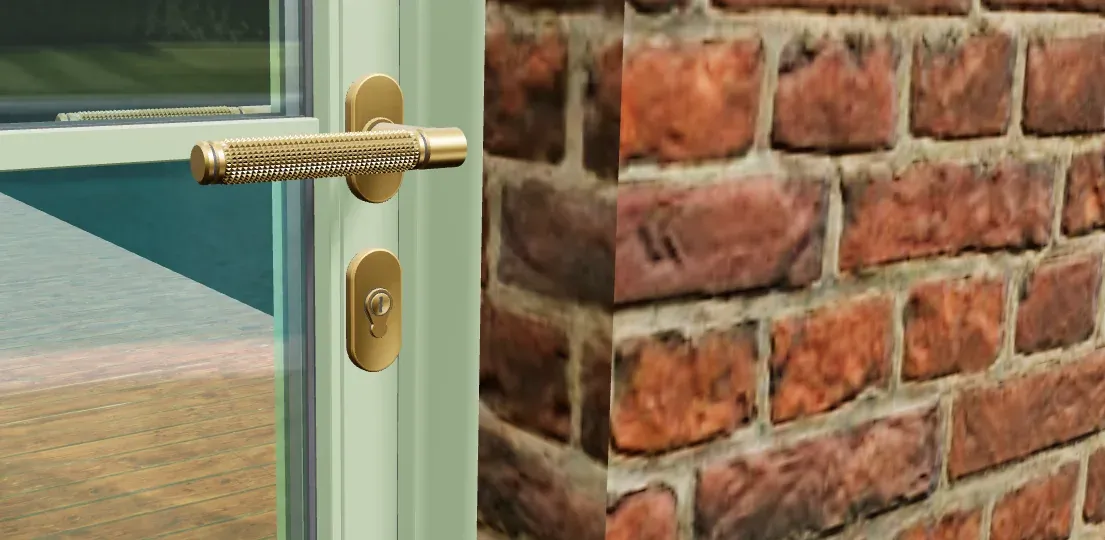
Handles and hardware, up close
Customers can zoom in on a handle, compare the handle options and set one finish for every handle, hinge and D-handle on the door, so they know what they’re choosing before they ask for a price.
Is Bifold Visualiser right for your business?
- Customers design the exact doors they wantSystem, layout, size, style, glass, colours inside and out, and handles, all on one 3D door.
- They can open the doors before they buy themThe panels fold and the traffic door swings, so customers see how the doors will work.
- Hardware they can see up closeHandles and finishes are shown in detail, so customers know what they’re choosing before they ask for a price.
- Quote requests with the full specificationEvery request arrives with the system, layout, size, style, glass and colour attached.
- Who it’s for
- Bifold door manufacturers, fabricators and installers.
- Setup
- We set it up with your systems, layouts, sizes, colours and hardware, your branding and where quote requests go.
- Good to know
- Final sizes and specifications still need confirming by your team.
Get Bifold Visualiser for your range
Tell us your systems, layouts, colours and hardware. We’ll set the visualiser up around your range and send quote requests where your team needs them.
Scope, setup and any costs are agreed before work starts.
Related tools
All tools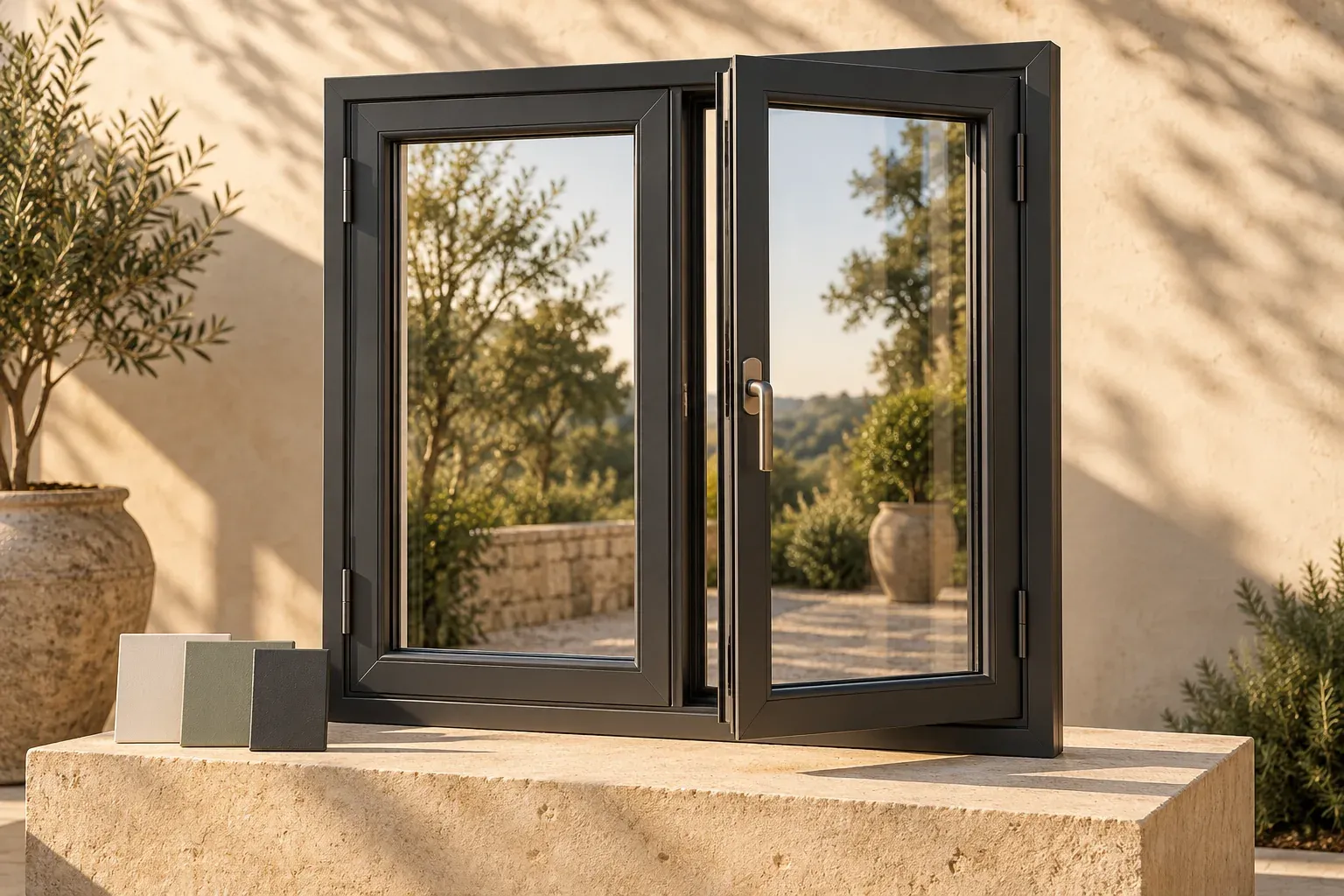
Window Designer
Customers design their windows in 3D on your website, choosing the style, finish and size before they ask for a quote.
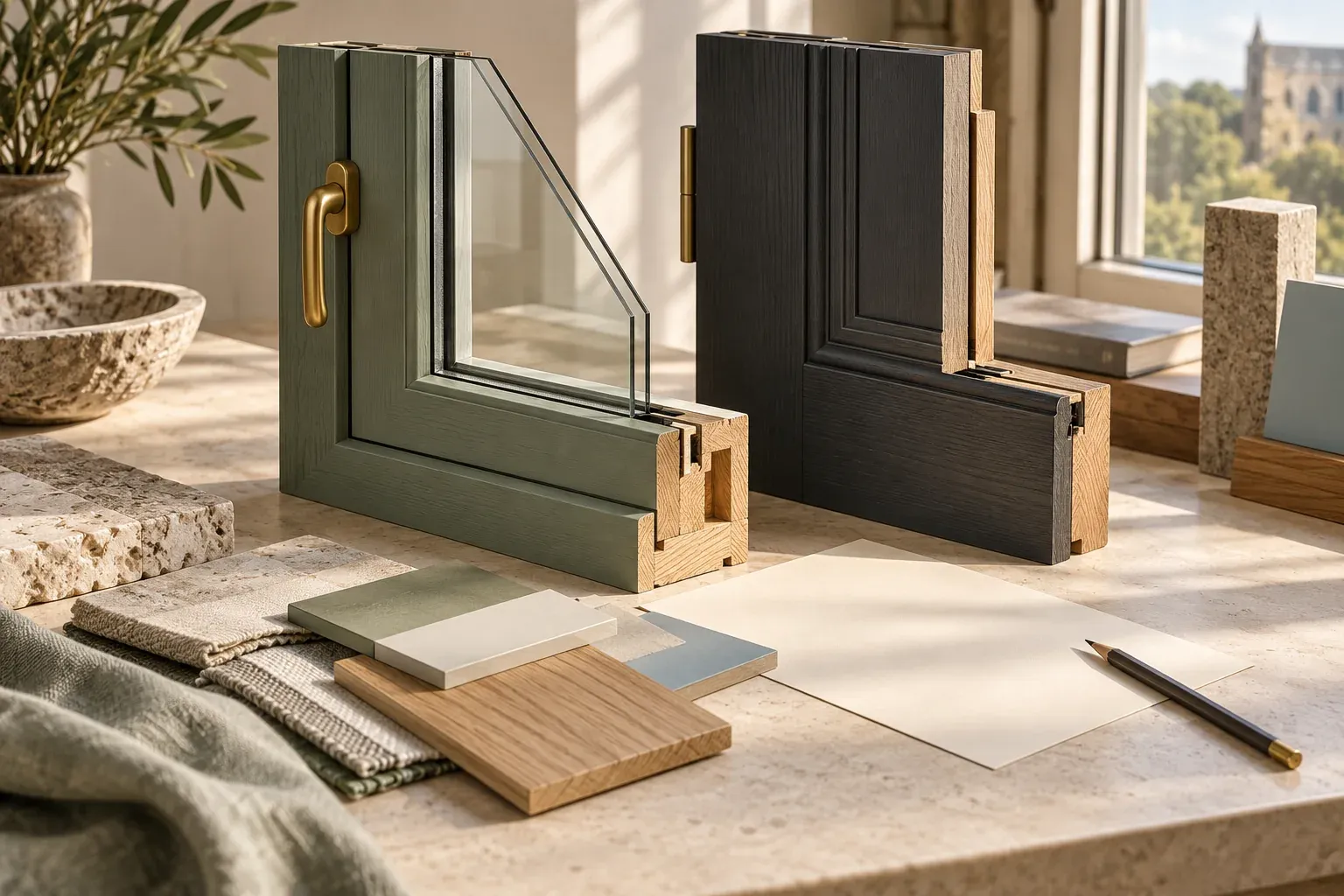
Quote Builder
Customers pick several products, add sizes and options, and send it all as one enquiry your estimators can price.
Need something built around your own products?
If none of these fit, we can design and build a tool for your business as a bespoke project, scoped and costed with you before work starts.
Where a bespoke project helps
- A product that’s hard to explain online
- Information your team types in twice
- A handover that keeps going wrong